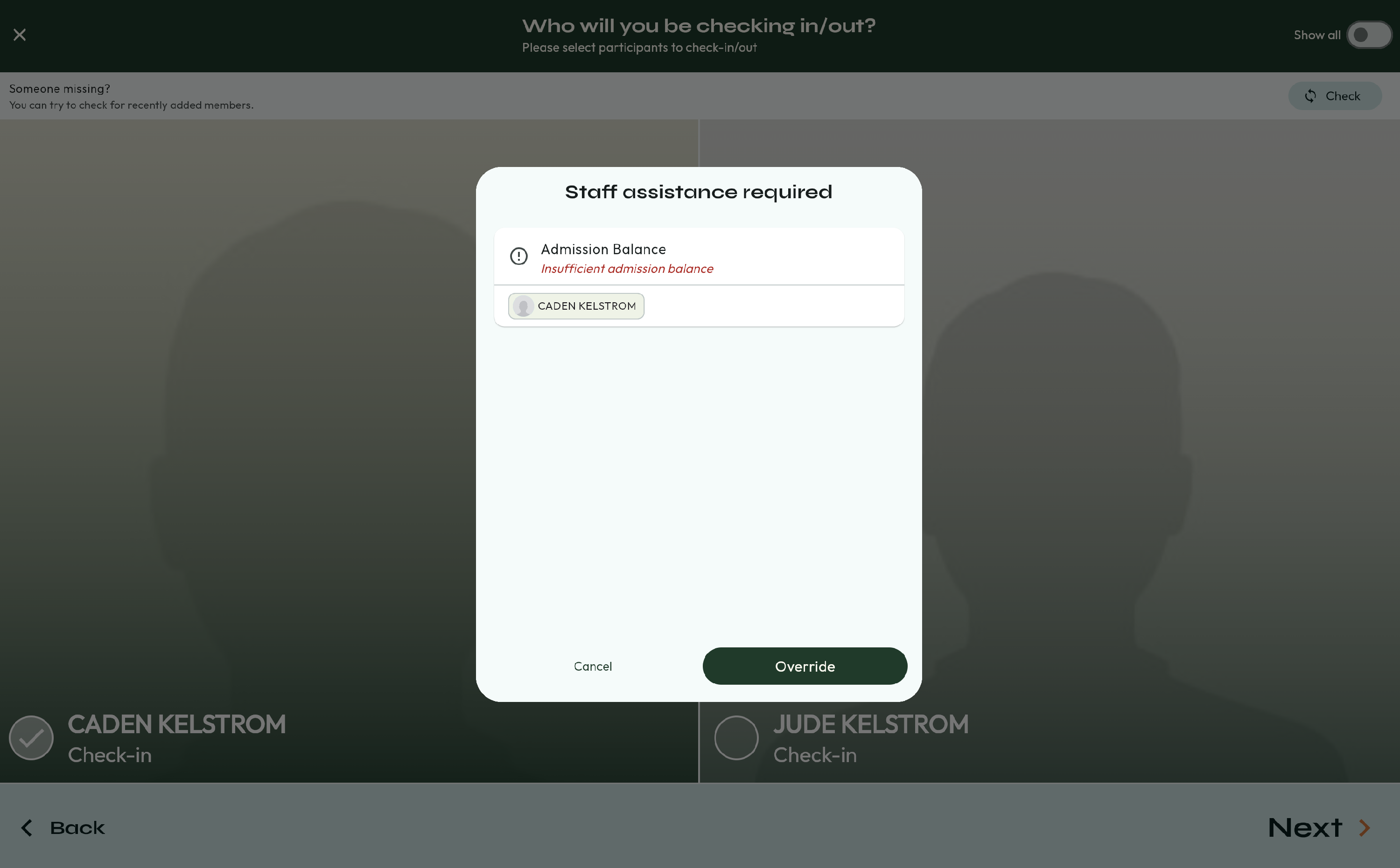
Insufficient Admission Balance
Overview: This article will display how parents receive the notice that they do not have enough Admissions for check in.
Information:
When a user tries to check in their child, but they have an Insufficient Admission Balance, they will receive this message. Staff can then either Override the check in, meaning they can check in without using their Admissions. Or, staff can go in to the Staff App and add admissions to the account.