
Adding Admissions in the Staff App
Overview: This document will give you instructions on how to use the new Admissions Feature in the Alaris Staff app.
Step-by-Step Instructions:
- First you will open the Alaris Staff App.
- Next, you will search for a family member whose Admissions information you want to view. (Admissions for the entire family can be viewed under any family member.)
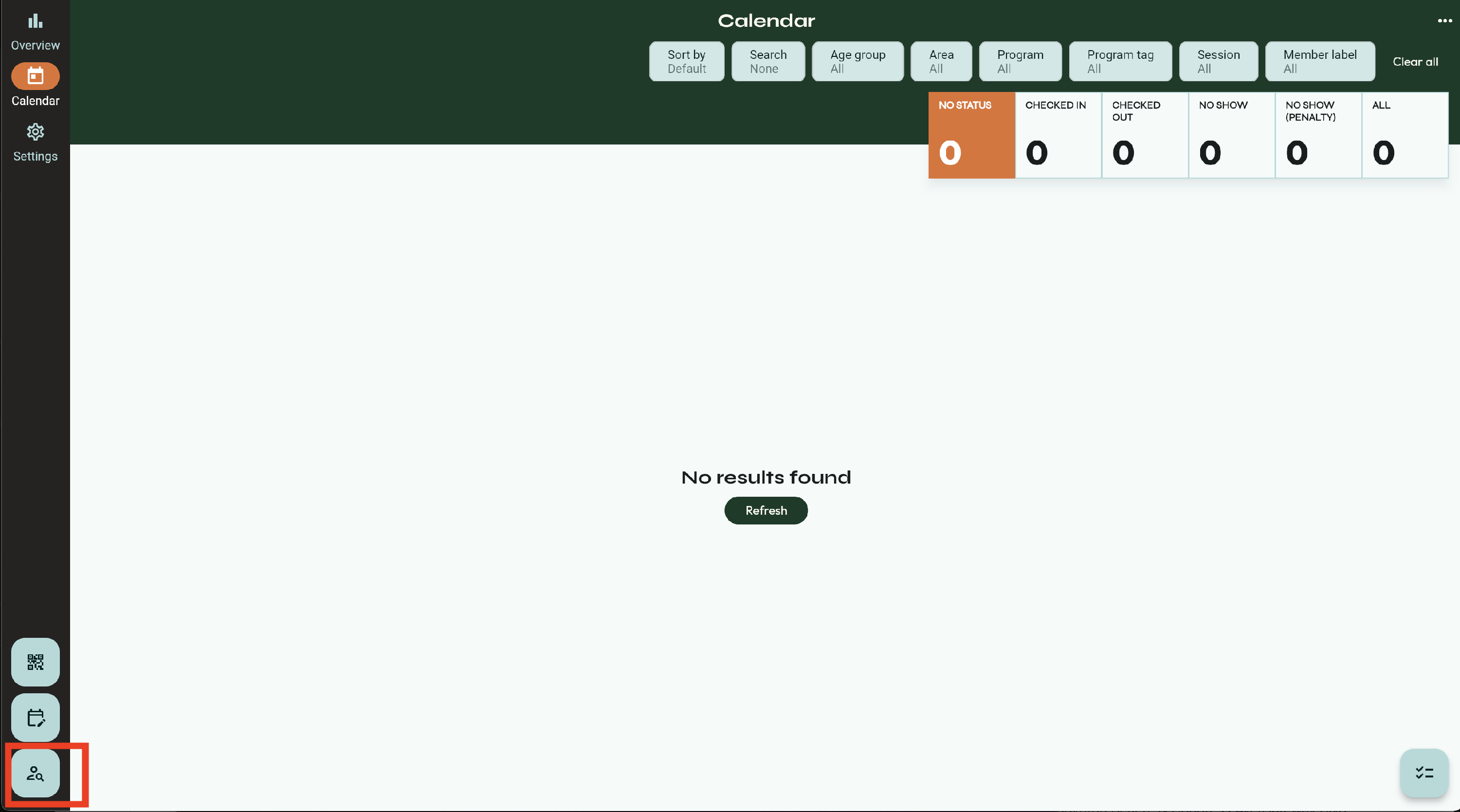
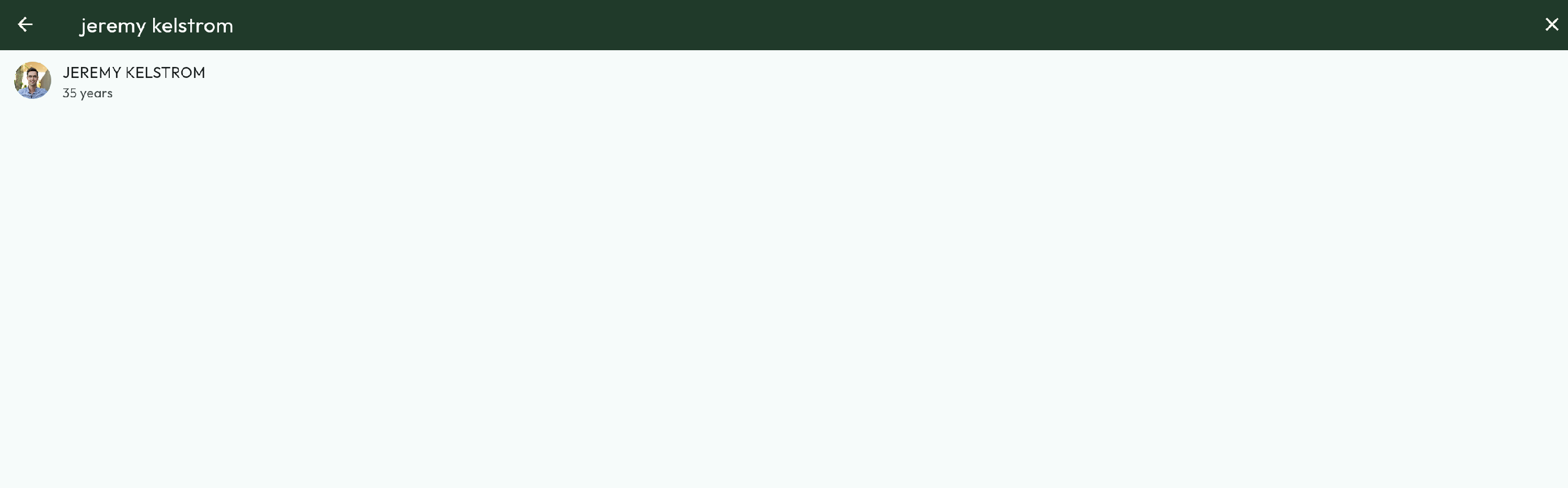
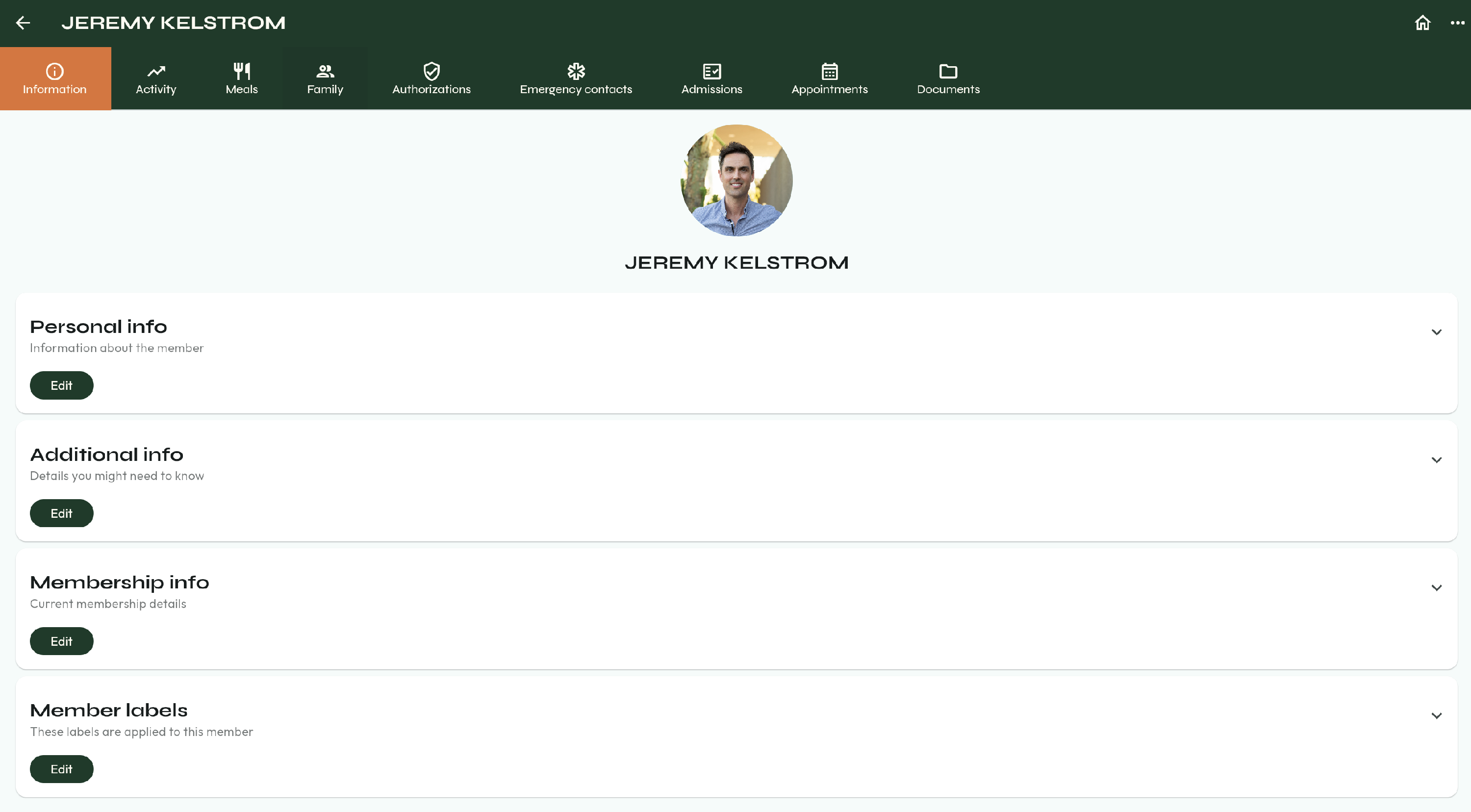
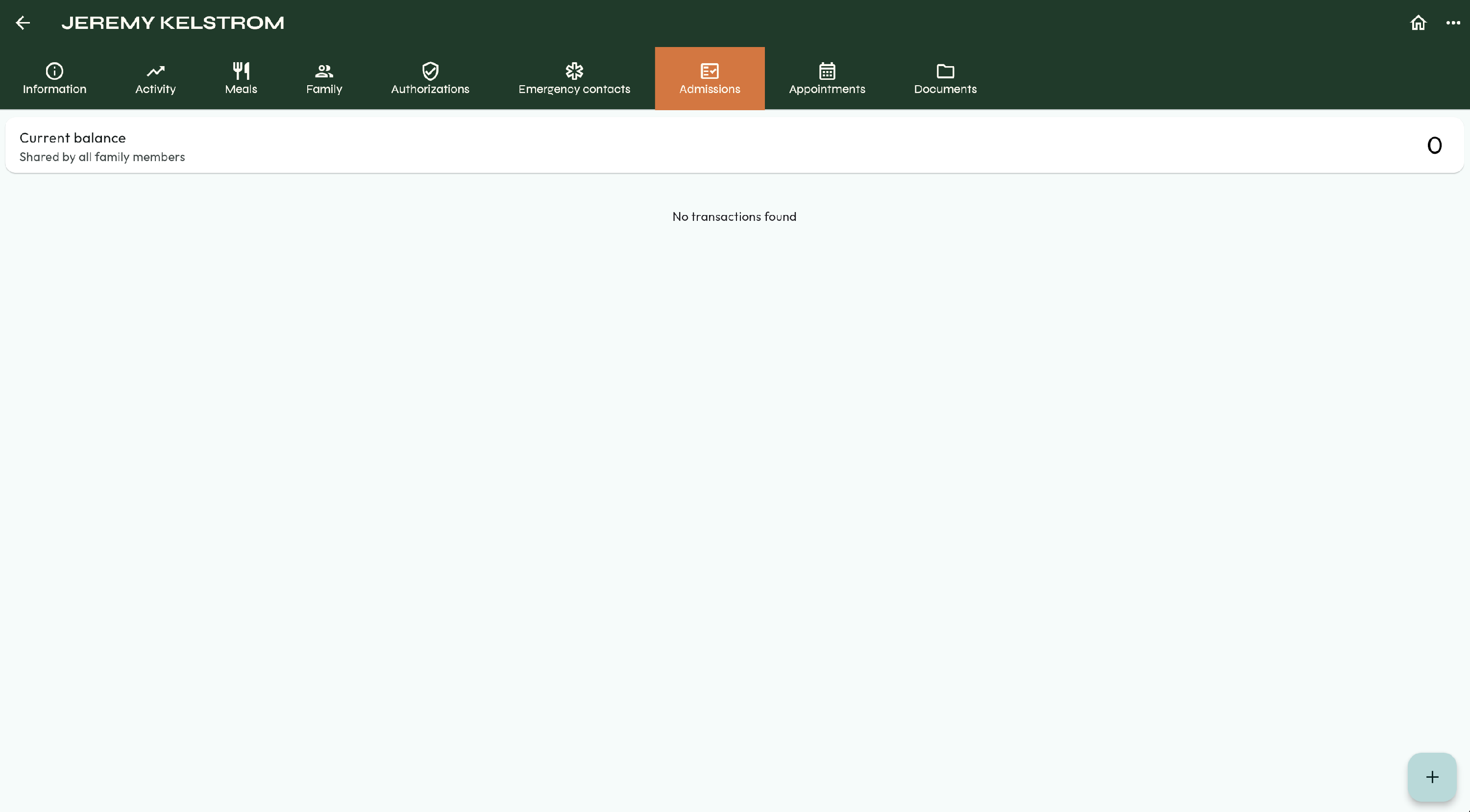
- Select Admissions. Here, you can add or view past Admission records.
- Select the Plus Sign in the bottom right corner of the screen.
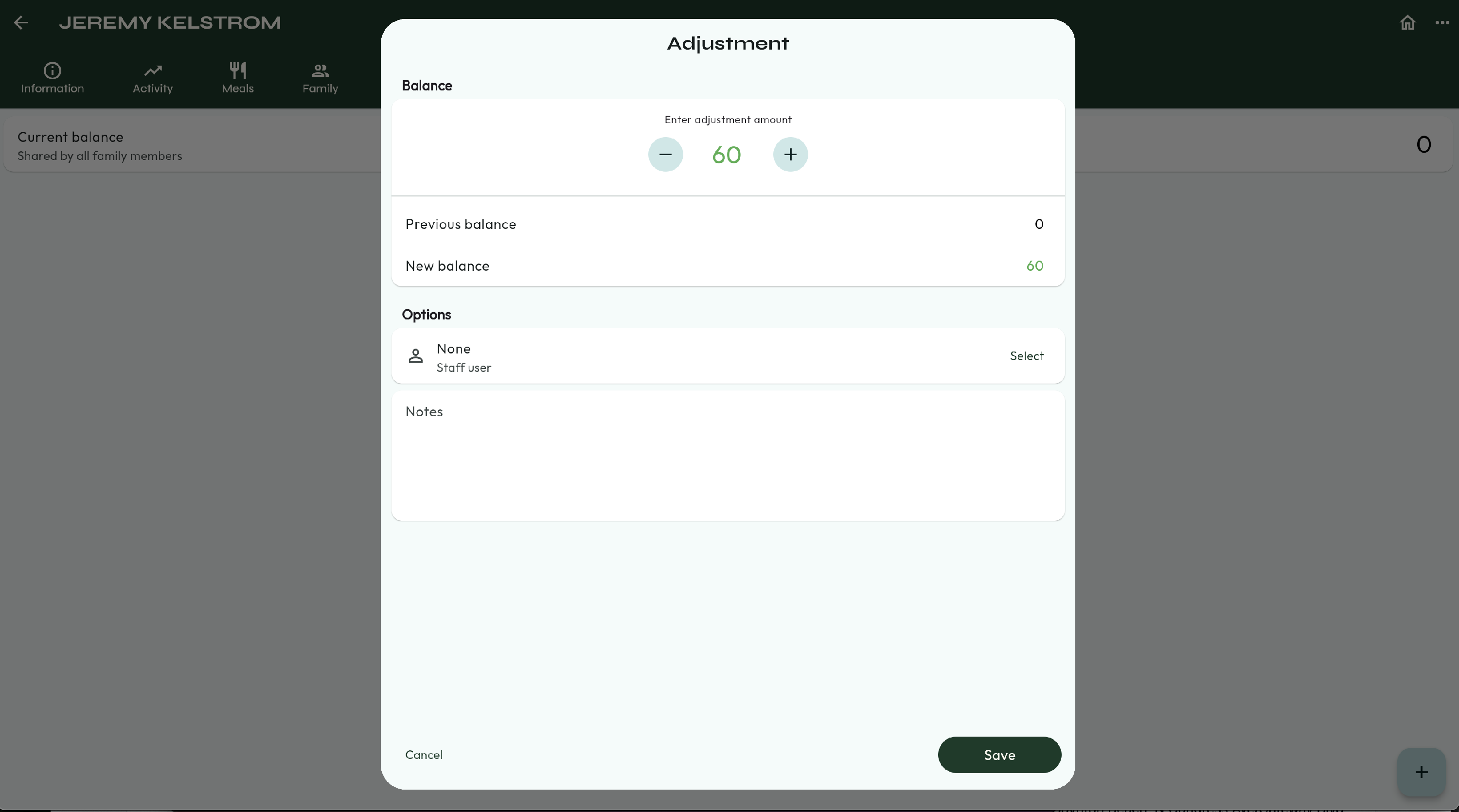
- You can type in the amount of minutes or use the plus and minus buttons.
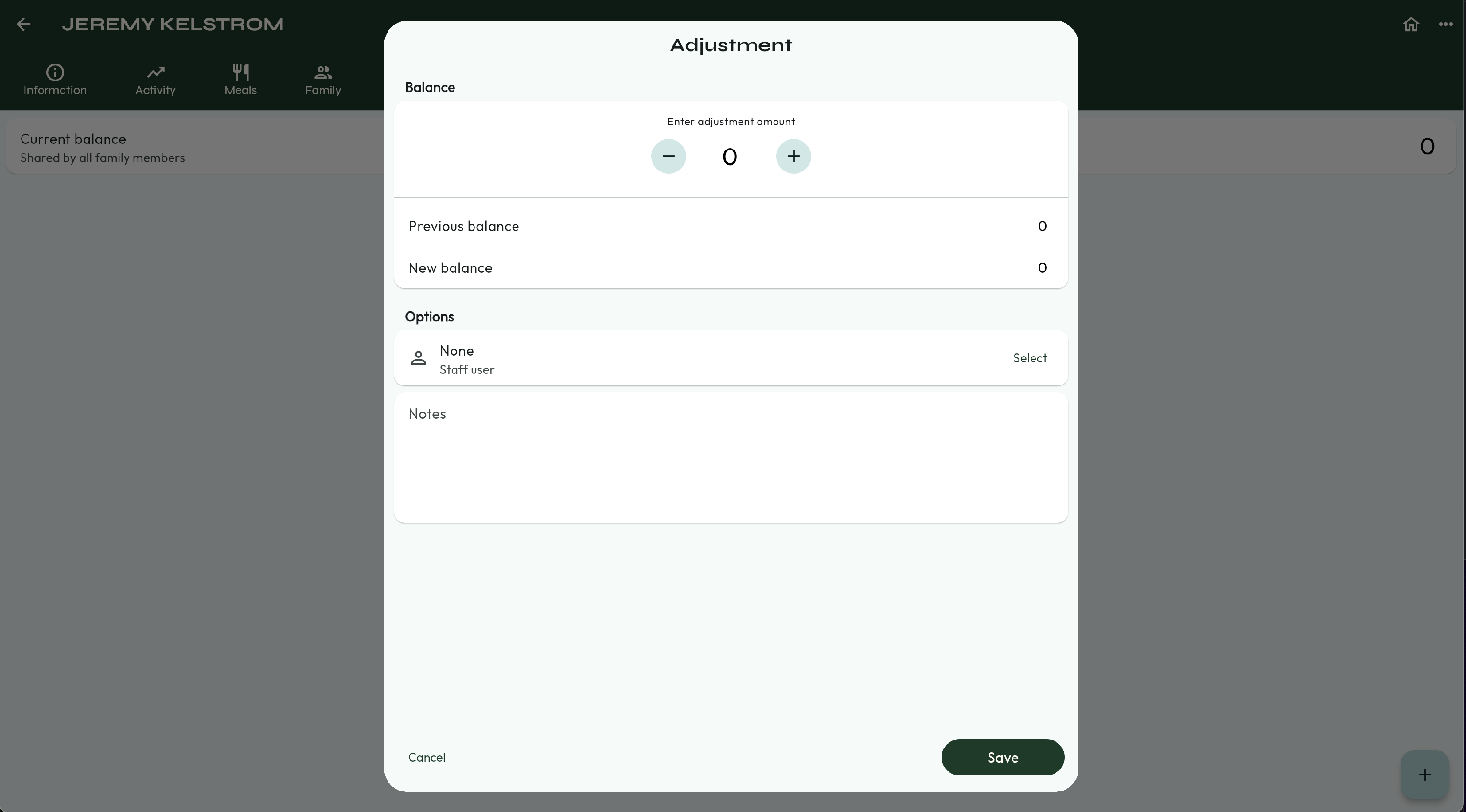
- This will show your previous balance and your new balance.
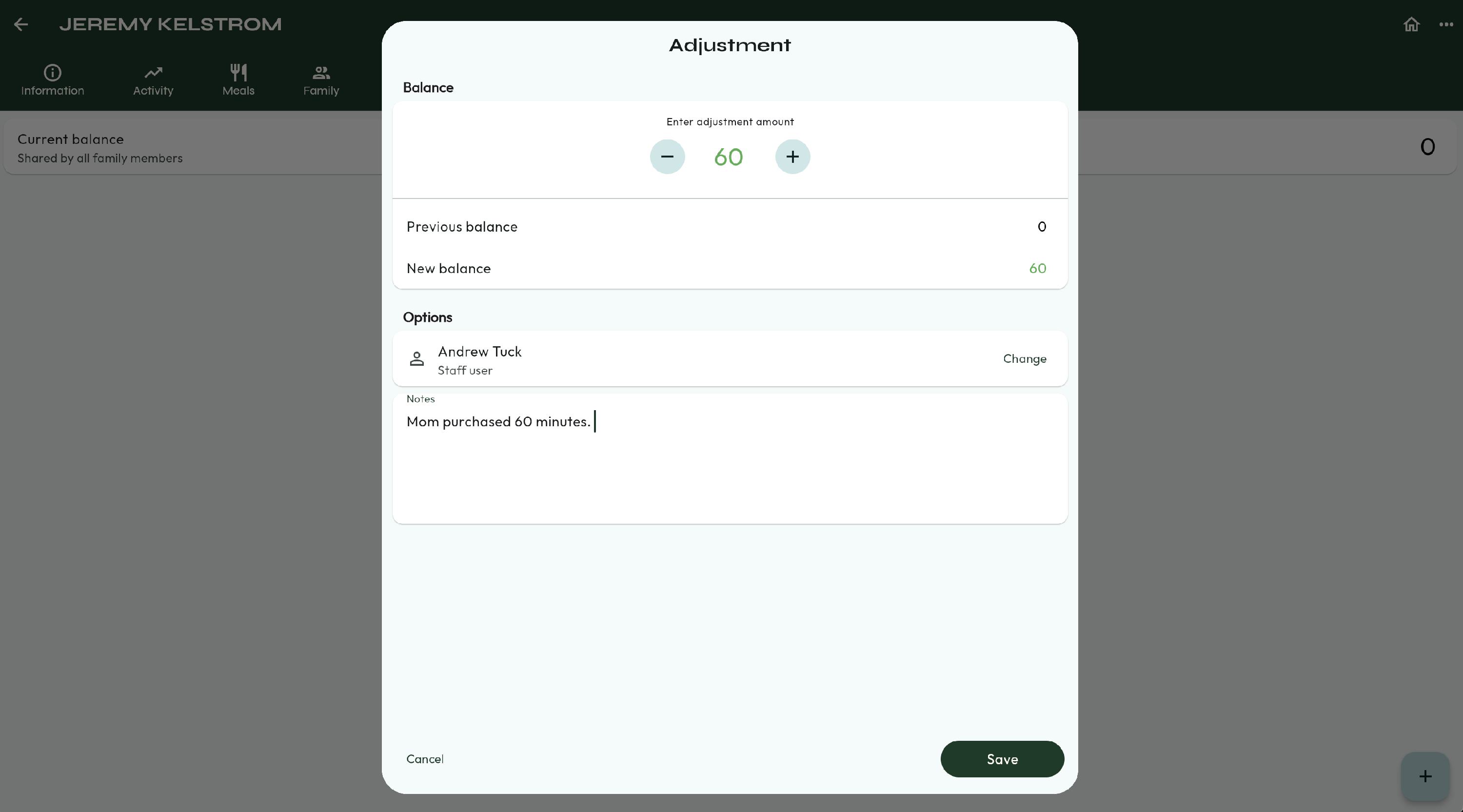
- Next, select your name from the Staff User column.
- Fill out any notes you may need.
- Press Save.
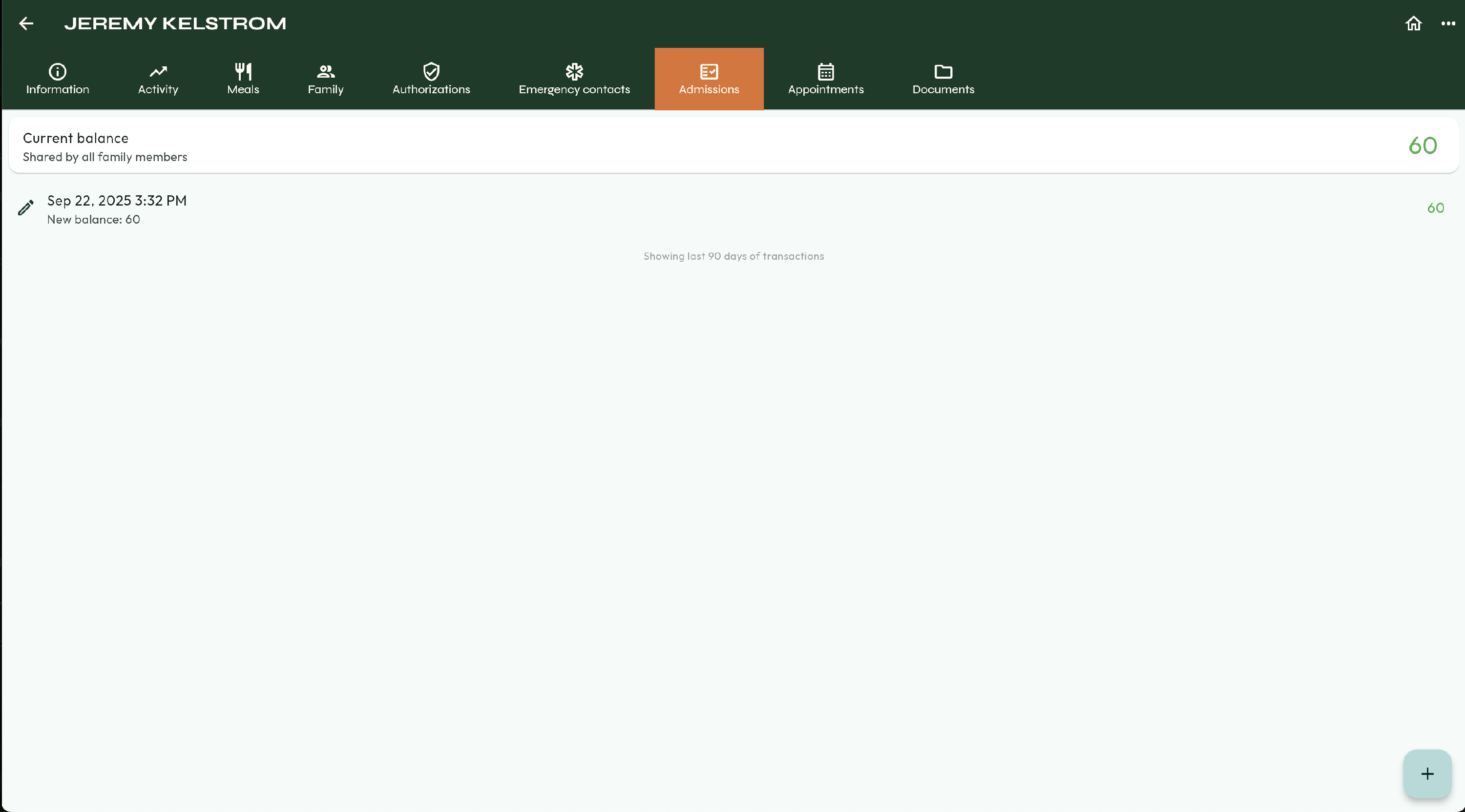
- Now you will see a record of the transaction as well as the Current Balance.
- You're done! 🥳