
Bar Graph Default/Persisting
Overview: This article will explain how to change the time frames on the Bar Graph in the Alaris Staff app.
Step-by-Step Instructions:
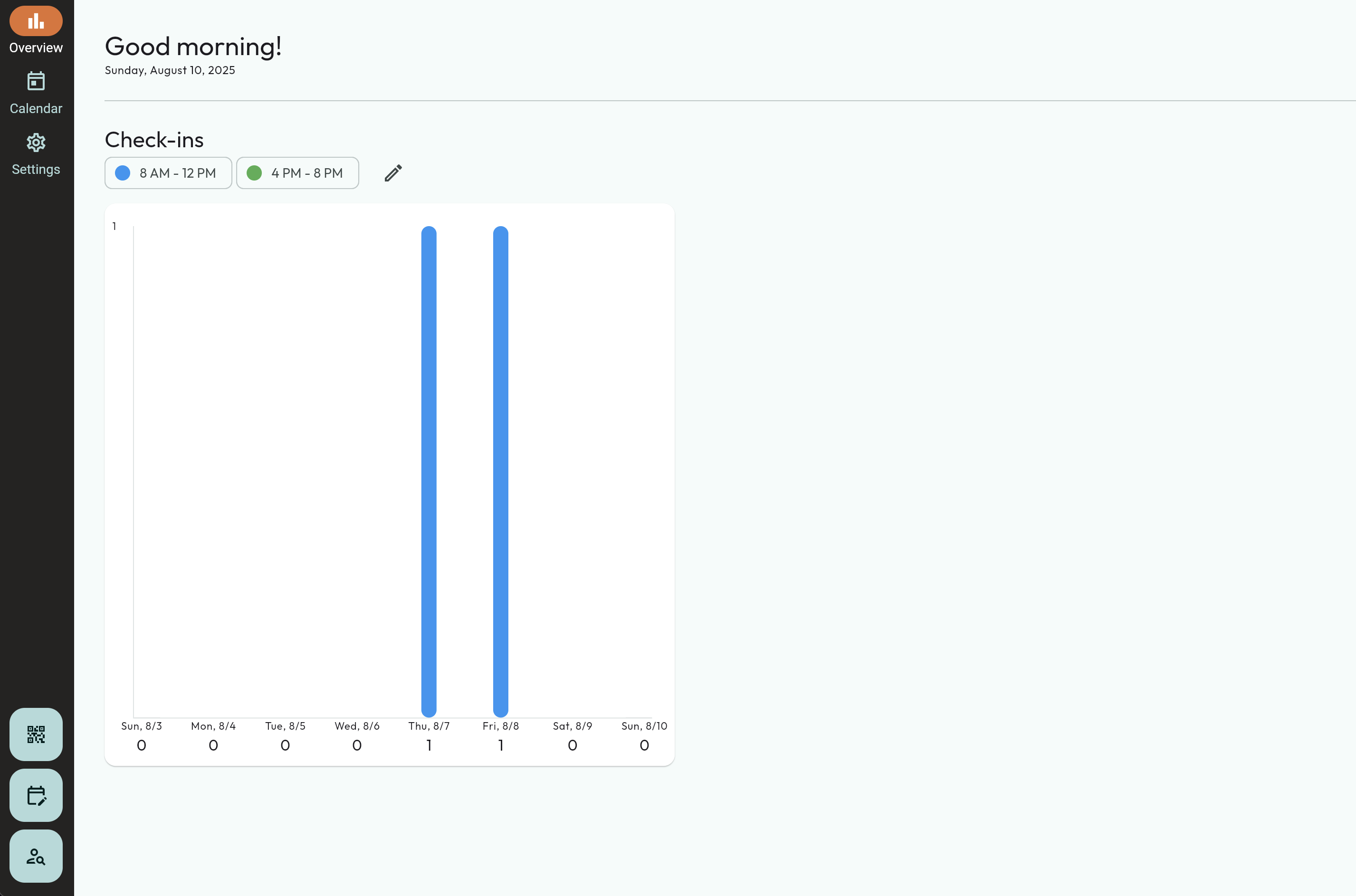
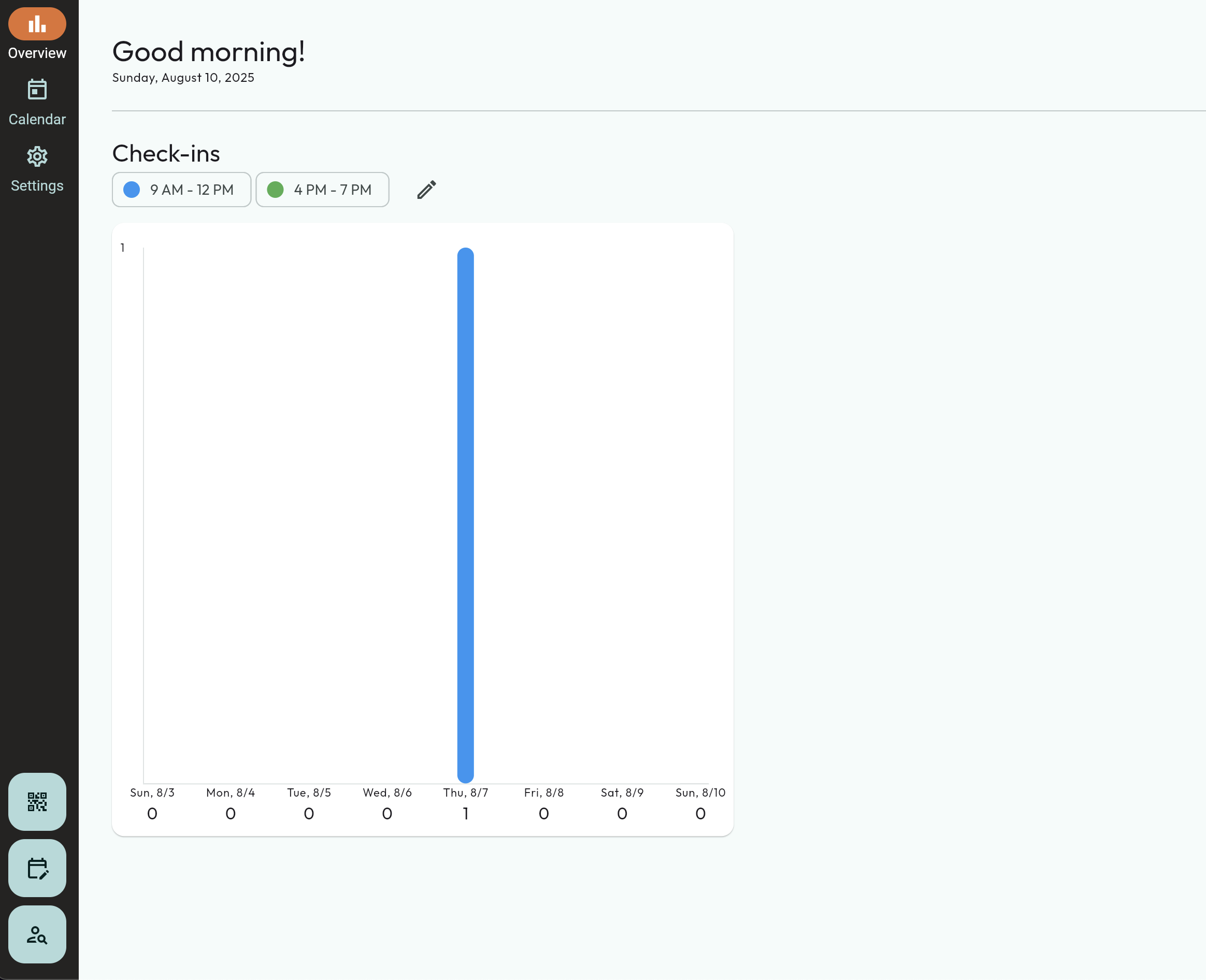
- First, you will select the Overview page on the left.
- The bar graph will be on this page. The default times for this graph are 8:00am - 12:00pm, and 4:00pm to 8:00pm. This can be adjusted.
- Press the pencil to the right to modify these times.
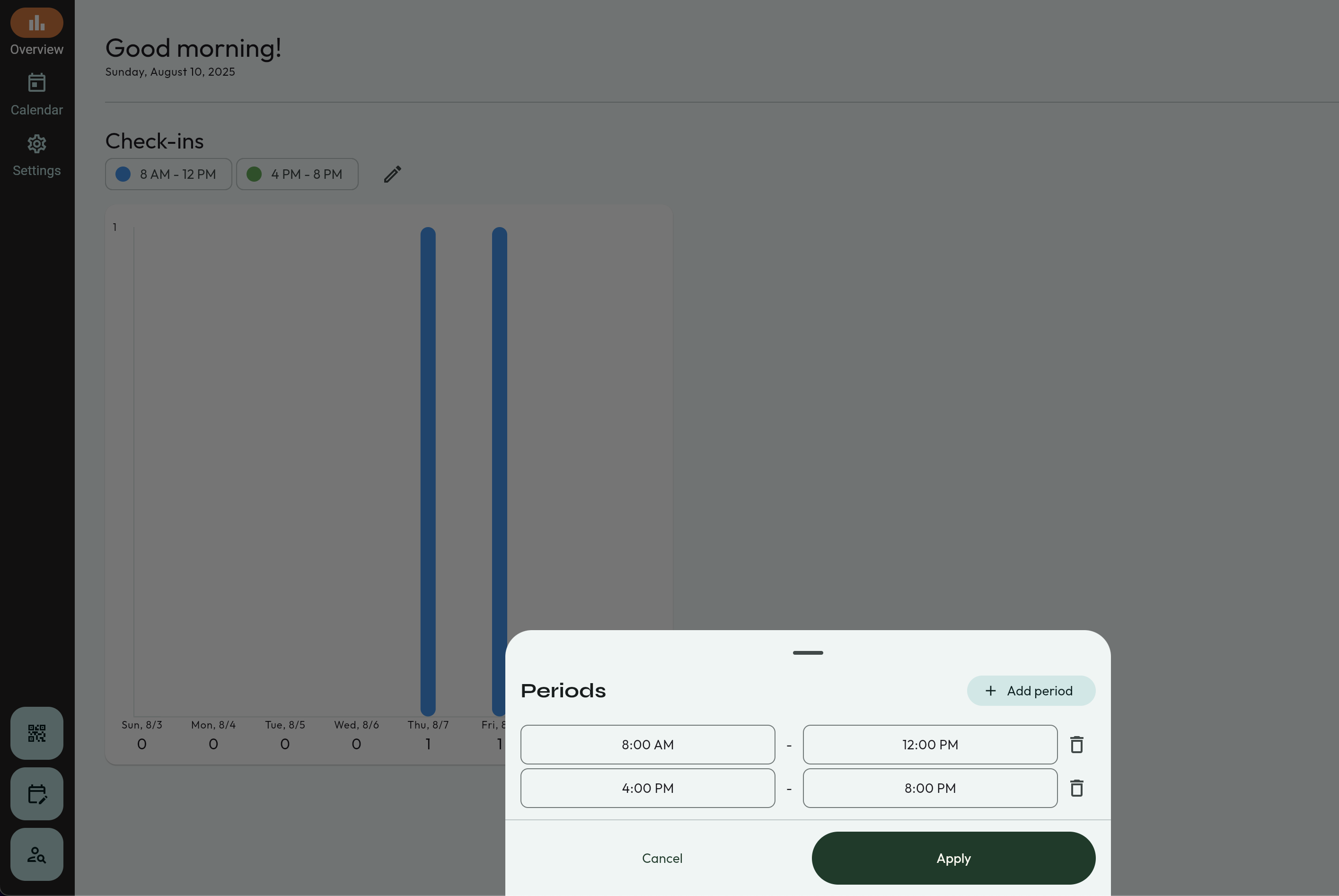
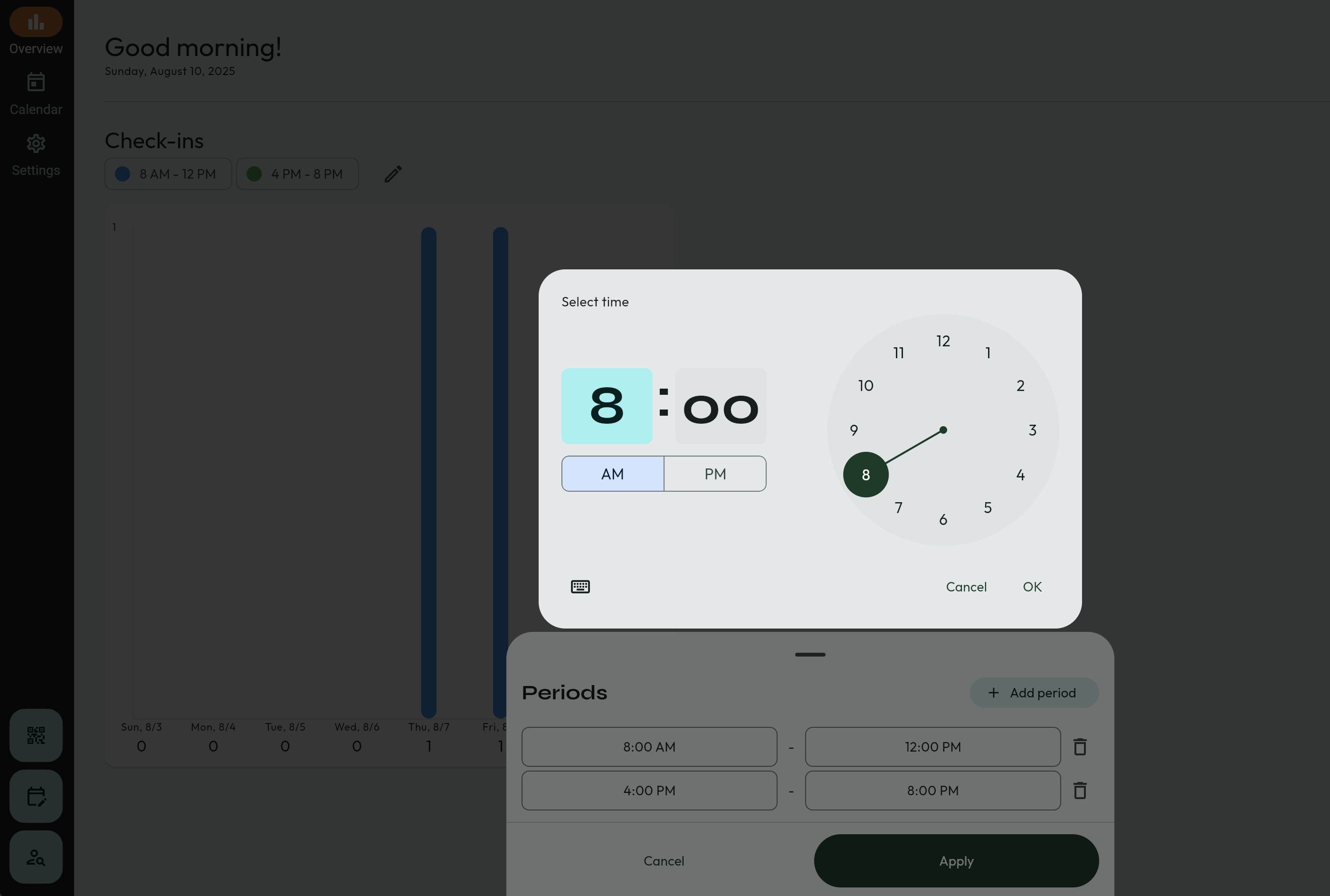
- Select the time that you want to modify. Then, select the time on the clock.
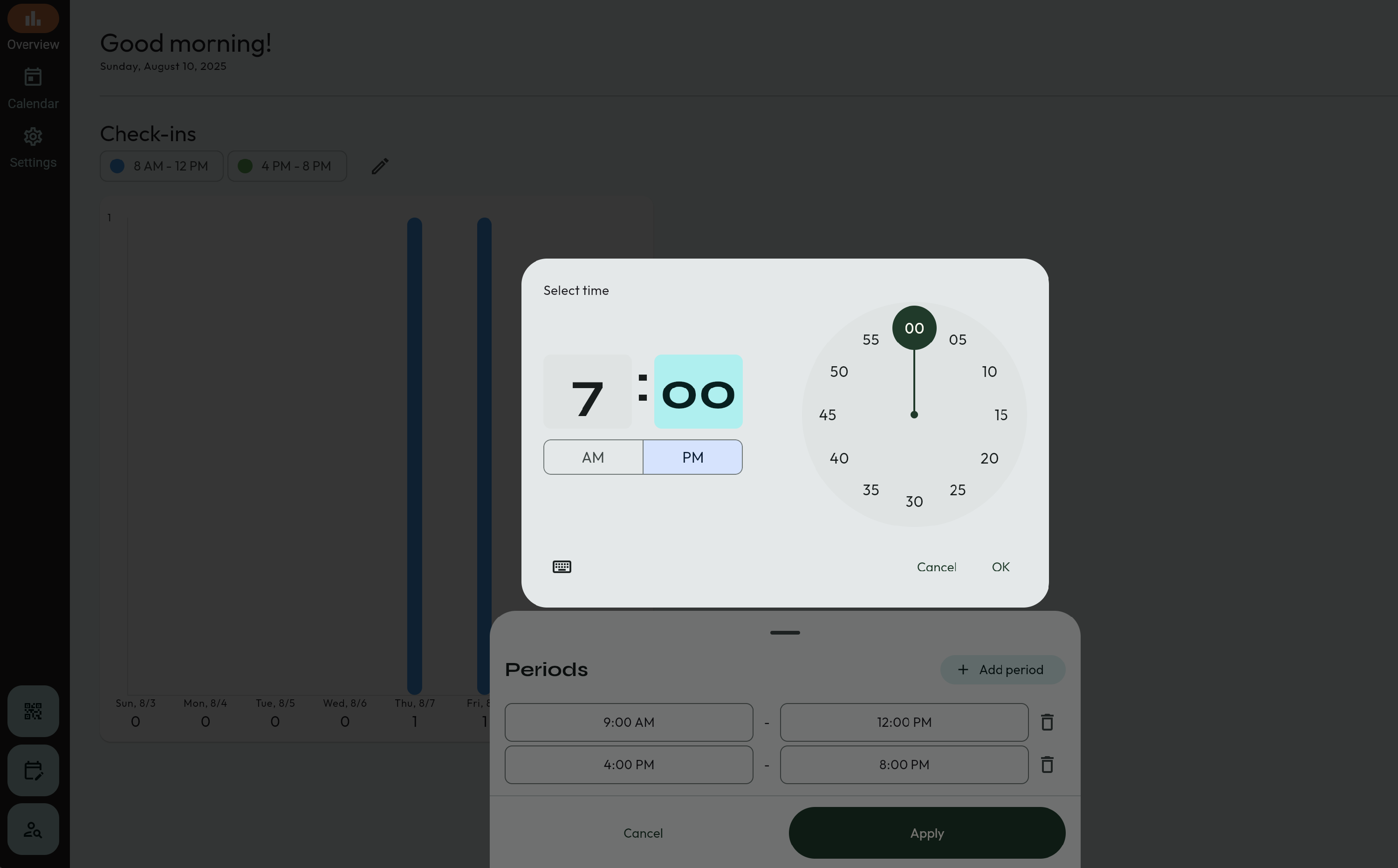
- The time change will persist in this app. You're done! 🥳